Hello everyone! Today, Im going to be talking about Autodesk Fusion 360. Recently, I learned more about robotics and 3D modeling software that’s used by engineers and students around the world. One popular software is Autodesk Fusion 360 (sometimes just called “Fusion”), which is really common among robotics clubs like the one at my school.

One thing that’s great about Fusion 360 is that it relies on your computer’s performance for power, instead of depending heavily on Wi-Fi. This makes it a better choice for people with weaker internet connections. For example, in my school’s robotics club, the team uses Fusion 360 to create 3D models of their robots.
Here’s basically how they work:
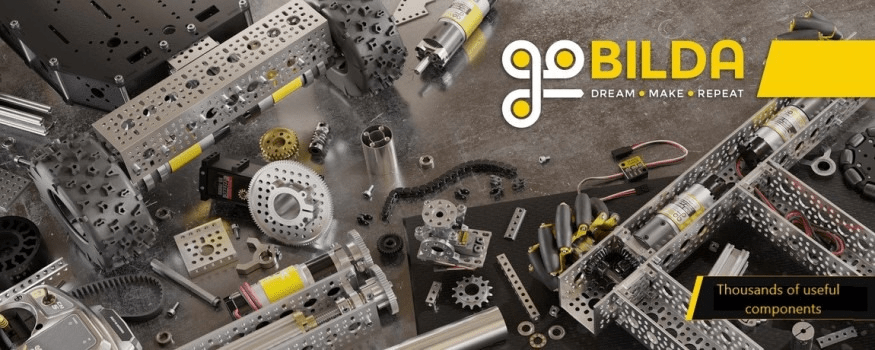
- They download STL files of the parts they need from websites like GoBilda (a popular robotics parts supplier).
- Then, they put all those STL files into a folder and import the whole folder into Fusion 360.
- After that, it’s really easy — they just drag and drop the parts into their project to start building the virtual robot model.
- They also use STEP files to download parts that include step-by-step building information, which makes assembly much easier.
Fusion 360 is pretty accessible, too. Students and hobbyists can use it for free for up to four years (depending on if you’re connected to a school program or not).
Some of the things I really like about Fusion 360 are:
- It works offline because it uses your computer’s processing power.
- Importing and exporting parts is super easy.
- It has tons of powerful modeling tools like point-to-point move and movable joints for testing mechanisms.
- The user interface is beginner-friendly, which is perfect for new team members.
- It’s also really easy to share and combine projects.

As for me, I haven’t made anything yet due to some technical issues installing the program, but I definitely plan to once it’s up and running! I want to create a variety of robot 3D models, and then help actually build them in real life for our FTC (FIRST Tech Challenge) robotics competitions. In FTC, building a good robot is crucial if you want to win — and the modeling stage is where it all begins.
While Fusion 360 is very popular, there are other similar programs too:

- Onshape: A good option, but it’s cloud-based, so it’s more dependent on a strong internet connection.
- Solid Edge by Siemens: Another good free alternative for students.
- SolidWorks: Professional-level software, but usually not free and a little harder to learn.
Still, Fusion 360 stands out because it balances powerful features with accessibility, making it the go-to for many students and teams.
When it comes to robotics, there are different areas you can focus on:
- Software is all about coding and programming the robot.
- Mechanical is about building, designing, and wiring the robot itself.
Personally, I’m more interested in mechanical engineering. I find it way more hands-on and fun — it feels a lot like building with LEGOs, but using real metal parts. Plus, with Fusion 360, we can download official GoBilda parts and assemble the robot virtually first, before actually building it in real life.
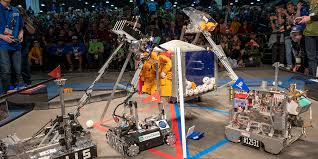
I think modeling is amazing, but physically building the robot gives me a bigger sense of satisfaction. Watching a robot that you helped design and assemble actually move and perform on the field is one of the coolest feelings ever!
If you’re interested in robotics, engineering, or even just 3D design, I definitely recommend giving Fusion 360 a try. It’s an awesome skill to learn and super rewarding once you get into it.
Anyway, bye everyone and see you later!

 Avatar Dragons
Leave a comment